Equipment › Artec Studio
3D scanning & photogrammetry software
Artec Studio
Software is the key!
The scanner collects the data. Artec Studio is where that data turns into an actual 3D model — something you can print, mill, measure, inspect or hand to a client. Good software makes a tremendous difference. Artec Studio is best in class.
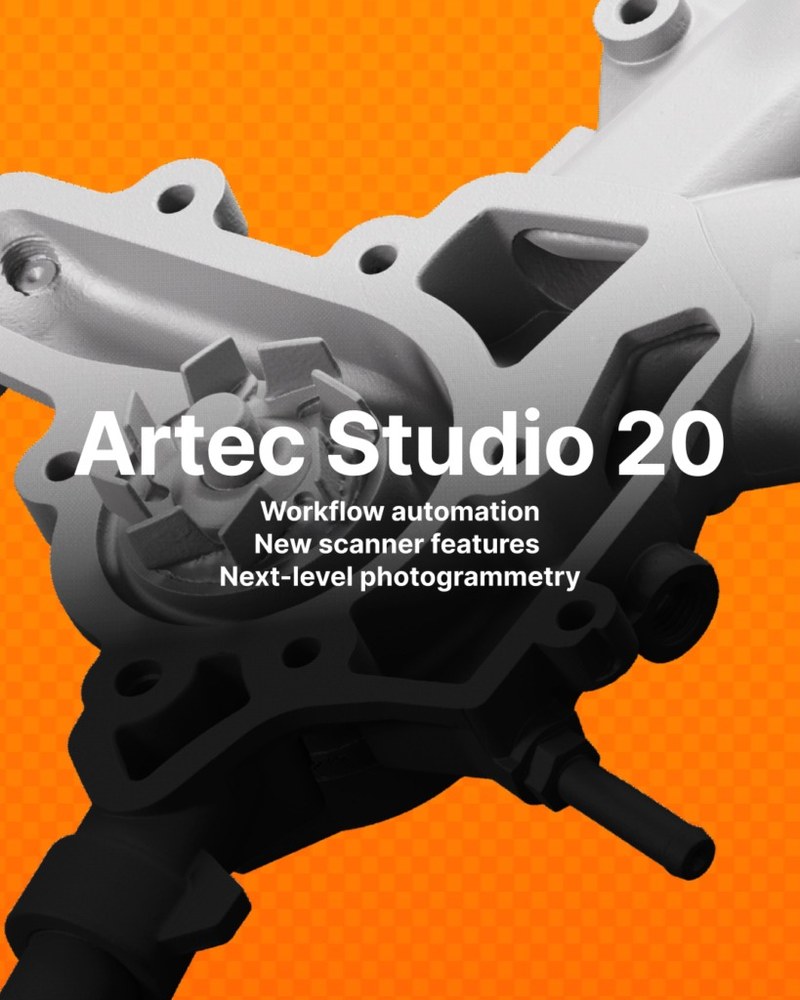
Why we love Artec Studio
What it actually does
Artec Studio makes processing scans easy. Everything we hand a client — the mesh, the measurements, the STEP file, the deviation map — comes out of this one piece of software. It is an outstanding tool. One really important note is that improvements from version to version are significant and useful. This software is always expanding.
01
Capture, with the scan building in front of you
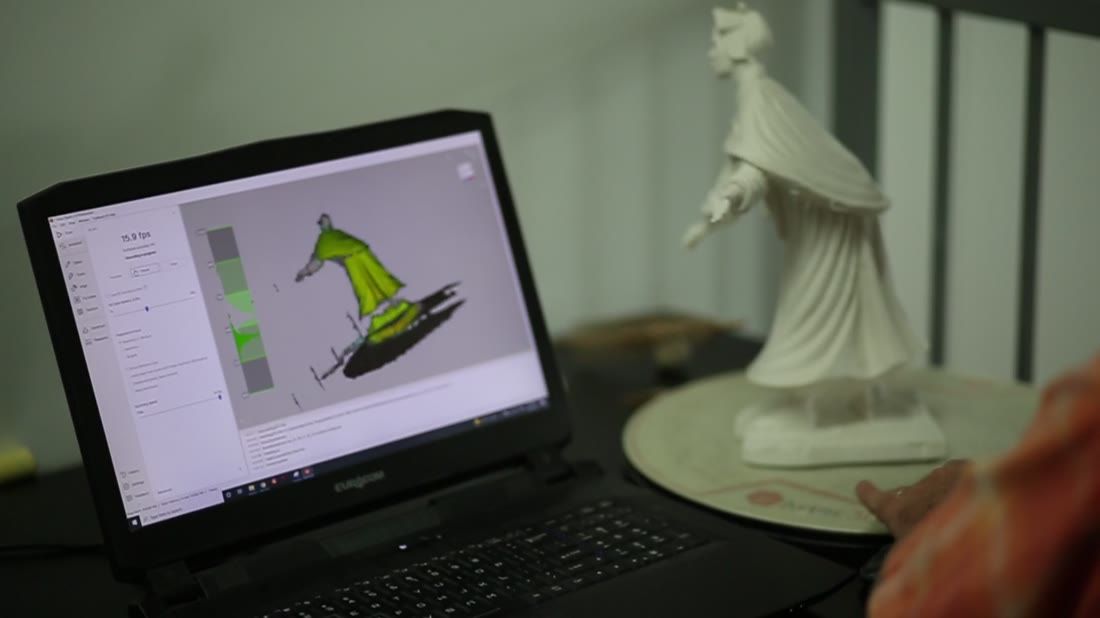
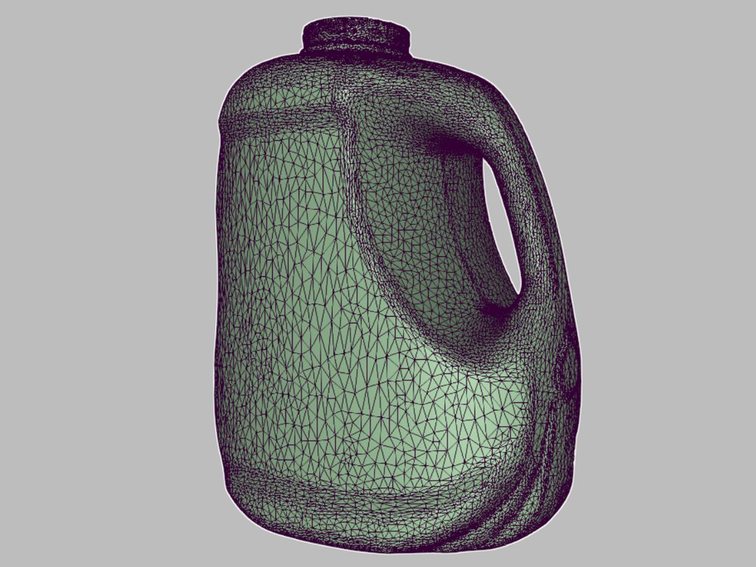
Artec Studio drives the connected scanners and shows the mesh forming as you work, so you see the holes while you are still standing in front of the object rather than back at the desk. Stop, reposition, carry on. Take multiple scans and align them into one model.
02
Workflows — tools to save you time
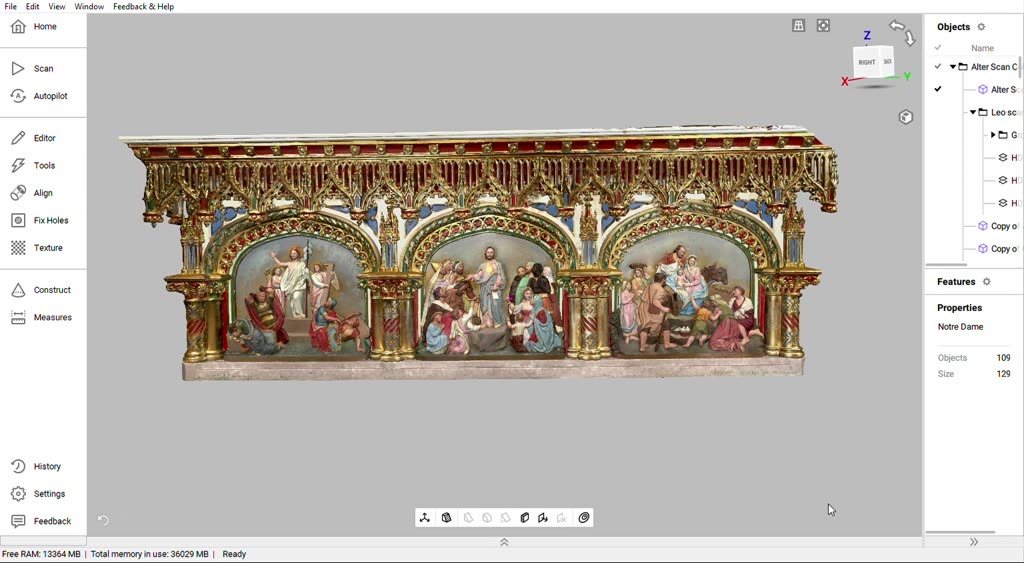
Artec Studio 20 introduced Workflows: you queue up the processing algorithms you always run, press go once, and come back to a finished model. This isn't just Autopilot (also useful) but predefined steps that are carried out on every scan, the same way, every time — and you can set up multiple workflows depending on your application and output requirements.
03
Measurement and inspection
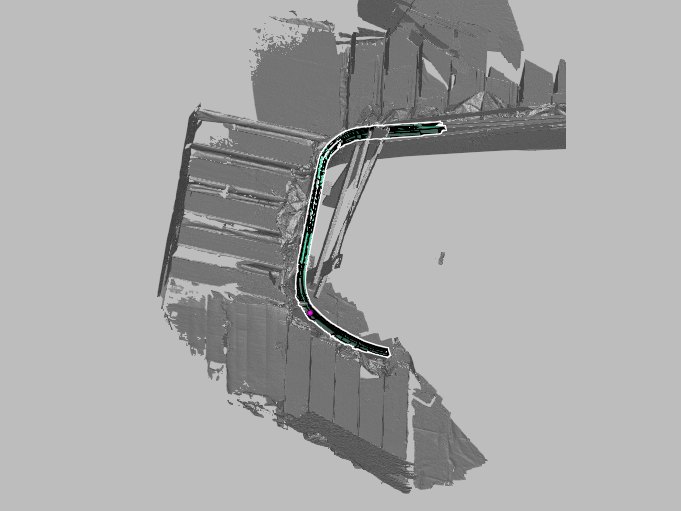
Distances, sections, surface areas, volumes. Mesh-to-CAD and mesh-to-mesh deviation analysis, with direct exporting to Geomagic Control X and ZEISS INSPECT.
04
Scan to CAD
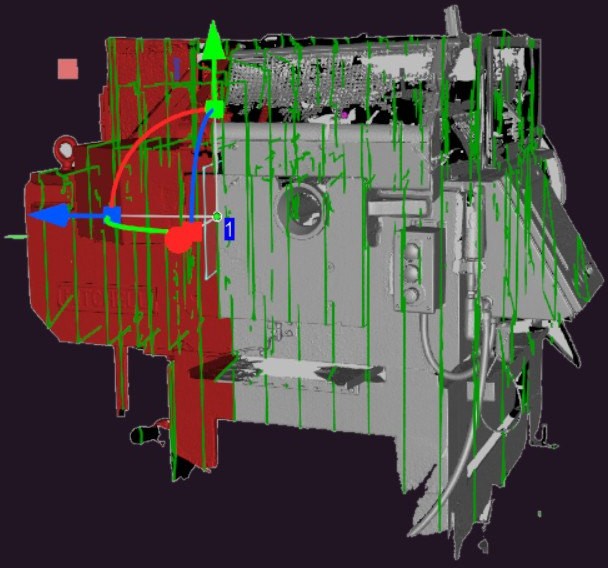
Auto-surfacing, datum alignment, booleans, and STEP exports to your CAD package.
No scanner required
AI Photogrammetry
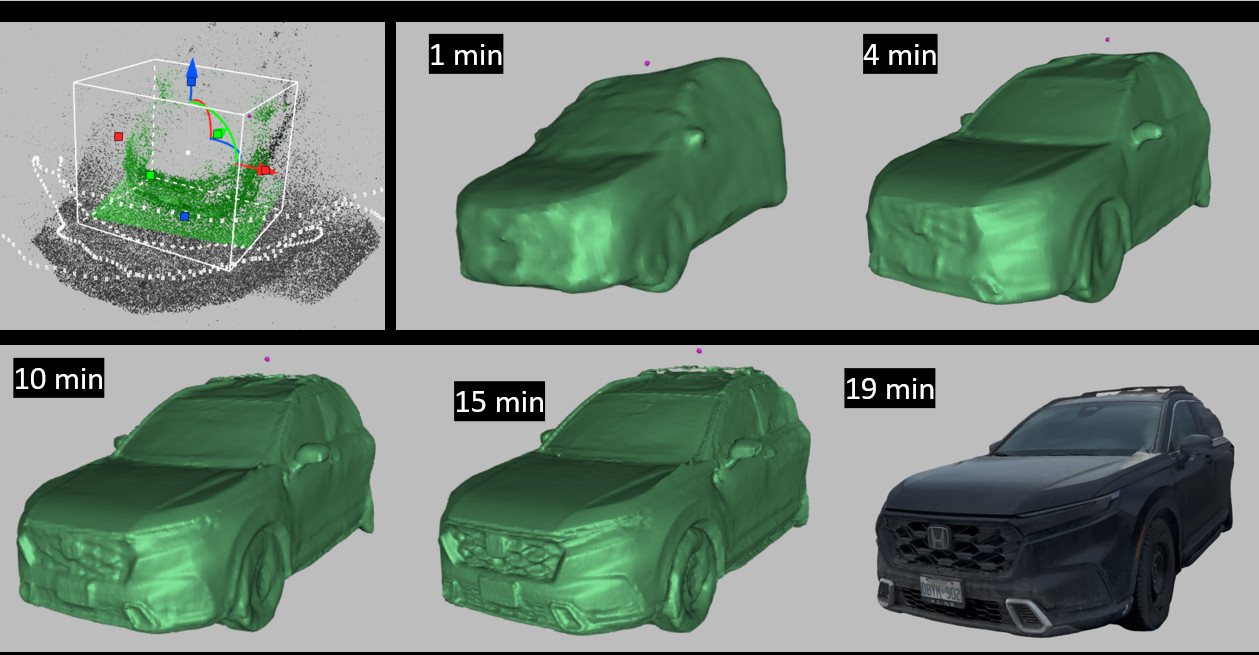
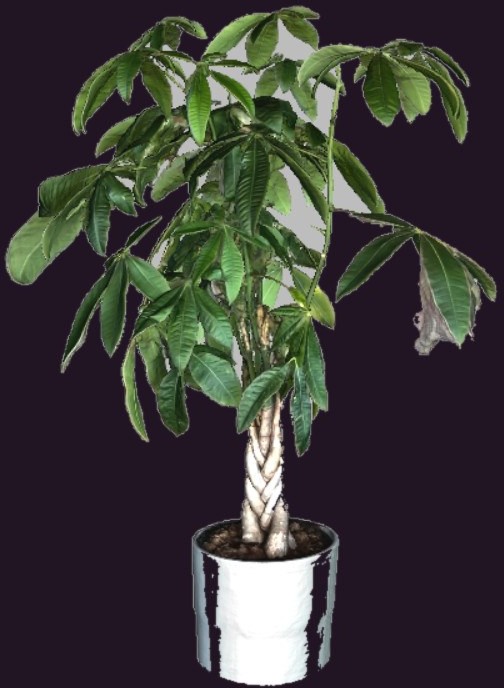
Artec Studio will build a 3D model out of photographs or video taken on any camera you own, including a phone.
What it is good at
Large objects, buildings and sites. Things with a lot of windows or reflective surfaces. Anything you cannot get a scanner to, or could not get to twice. Colour and texture come through well because they come from real photographs.
What it is not
Not a substitute for a metrology-grade scan. Photogrammetry gives you shape and appearance; it does not give you the accuracy figures a scanner does, and nobody should quote it as if it did.
Where it fits
Alongside scanning, not instead of it. Shoot the site on a phone, scan the parts that need real accuracy, and bring both into the same project.
Better together
One project, several scanners
This is the capability most people miss when they compare scanners on a spec sheet, and it is the reason the software matters as much as the hardware.
Cover the ground
Capture the gross form with the wide-field scanner, Artec Leo or Artec Eva. Large field of view, fast, accurate enough for most of the surface.
Resolve what matters
Go back over the critical areas with an Artec Spider or Artec Neo. Fine detail and tight tolerance, spent only where the job earns it.
Merge it all
Artec Studio aligns both scans into one model, and takes photographs, video, CAD files and other data on top. Every scanner has a strong point — use each one for its strong point and combine the results.
The question is rarely which single machine is best. It is which combination gets the job done, and what your software can do with what comes off them. This is where Artec Studio earns its place.
Software for HUGE datasets
Artec Twins
There is a second piece of Artec software, and it is the one for data at site scale.
Artec Studio is where handheld scan data becomes a model. Artec Twins is where LiDAR data becomes a site. Different job, different software.
Twins processes raw scans into point clouds in batches, georeferences them against ground control points or RTK data to take the drift out, merges multiple sessions into one cloud, colourises and filters, and runs change detection and measurement across the result. That is survey and as-built work — mines, construction sites, infrastructure — not the mesh-and-texture work Artec Studio does.
Every Artec Jet is sold with a Twins licence, because Twins is what a Jet runs on. Twins is also sold on its own: it includes everything Artec Studio does, and it will take data from third-party scanners, drones, terrestrial laser scanners and plain cameras.
You probably do not need it. If you run a Ray II and your sites routinely run past fifty scan positions, it is the one that will handle them. Otherwise — Leo, Spider II, Point II, Micro II, Eva, Neo, and no Jet data in the mix — Artec Studio is still the right answer, and we will say so. See Artec Jet and Artec Twins →
Editions and licences
Which one you need
One licence covers one PC, so plan for the second operator before you need them. The honest version: if you scan every week and want the new capture modes as they land, subscribe. If you scan occasionally and the version you have does the job, lifetime is cheaper over five years. We will tell you which one you are, and we would rather tell you before the invoice than after.
Before you buy
The computer is not an afterthought
People buy a scanner, install Artec Studio on the laptop they already own, and then blame the scanner.
NVIDIA required
An NVIDIA GPU is required: Turing architecture or newer, 6 GB of GPU memory minimum and 8 GB recommended. No AMD cards, no integrated graphics. macOS is not supported and neither are virtual machines. Get this wrong and HD reconstruction and the AI tools simply fail.
You need RAM
32 GB RAM is the minimum we would recommend, sufficient for Eva. For Micro, Spider II and Neo we recommend minimum 64 GB RAM. For large Leo projects, you really need 128 GB RAM minimum. For Ray and Jet, and for running Artec Twins, you need more than that. We are here to help you spec the right hardware to go with your Artec 3D scanner.
Windows operating system
Windows 10 64-bit or Windows 11. Intel Core i5 from the 7600 series on, or Core i7 or i9 from the 7000 series on; Intel Core Ultra 7 and Ultra 9 are supported too. Artec Spider II requires Intel 12th generation minimum. For some scanners, AMD Ryzen, Threadripper and Xeon are not supported. Let us know what hardware you are running and we can give you expert advice.
Requirements as published by the manufacturer in Artec Studio 20: System Requirements. Full product information is available from Artec 3D. ScanScanScan3D is a Gold Certified Artec 3D Partner and an authorized Canadian reseller.
Most of our customers use laptops — for portability. Talk to us before you order the machine — it costs nothing and we can save you time and $$.
Get a Canadian price on Artec Studio
Talk to us about your application and workflow. We will tell you which licence fits best — including when the cheaper one is the right answer.