Equipment
Gold Certified Artec 3D Partner · Serving Canada
Artec 3D Scanners
Eight scanners, a metrology kit and the software that runs them all. These scanners all work together — tell us about the work and we will tell you which one you need, including when the answer is that you do not need a scanner at all.

The two Artec 3D Scanners we reach for FIRST
Leo and Neo
Between them we can typically cover large and small, full colour, with high accuracy where needed.
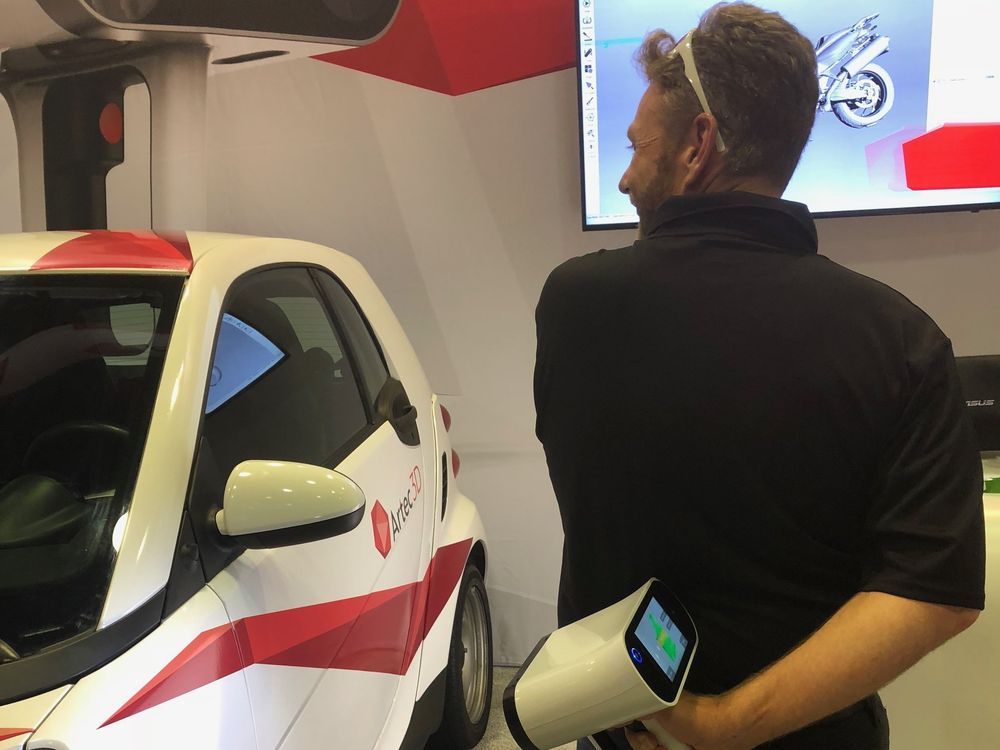
Artec Leo
Wireless handheld, full colour · medium to large objects
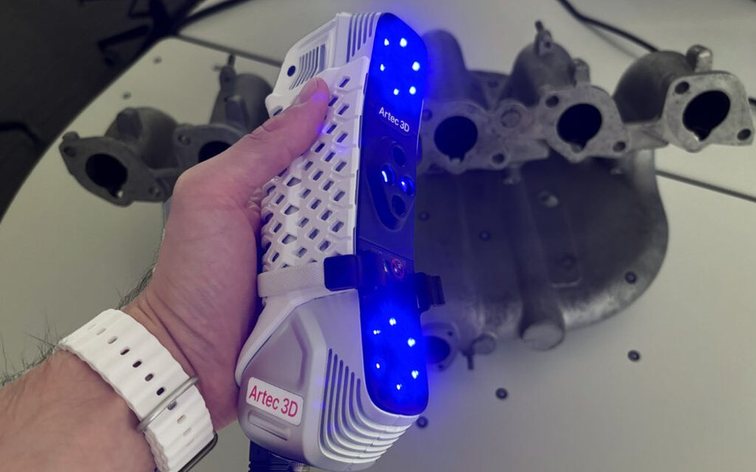
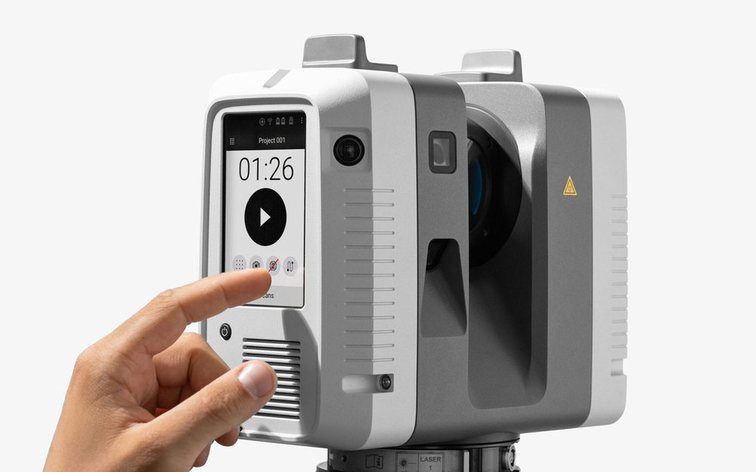
No laptop, no cable, no targets, and the scan builds on the screen in your hand. From a bread box up to a large vehicle. The one we use most for our projects.
Artec Leo →
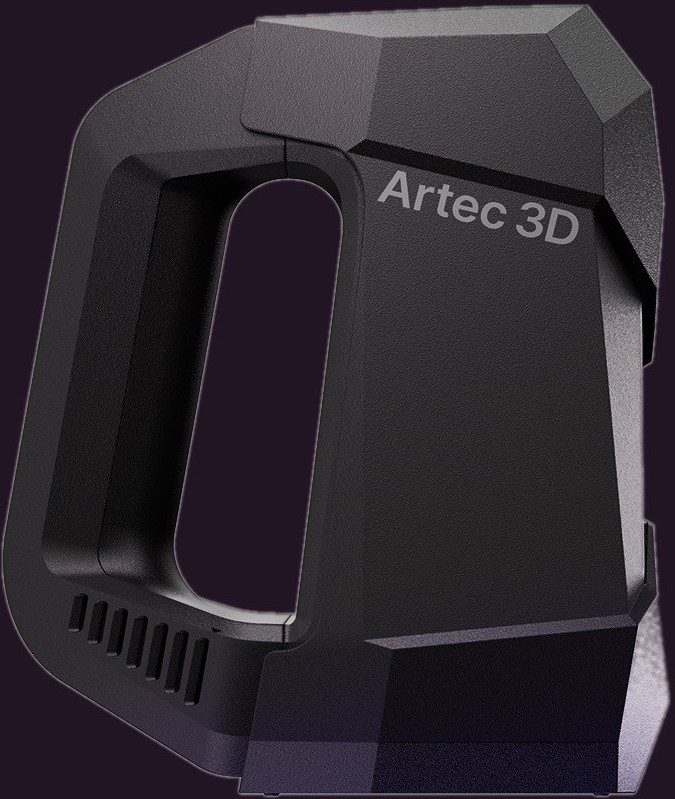
Artec Neo
Wireless · tolerance-driven · small to medium
Target the three features that have to fit, scan everything else target-free, and stop paying for accuracy where the drawing does not ask for it. Wireless, with the optics of a Spider. A new addition to the Artec family.
Artec Neo →
The workhorse
Artec Eva
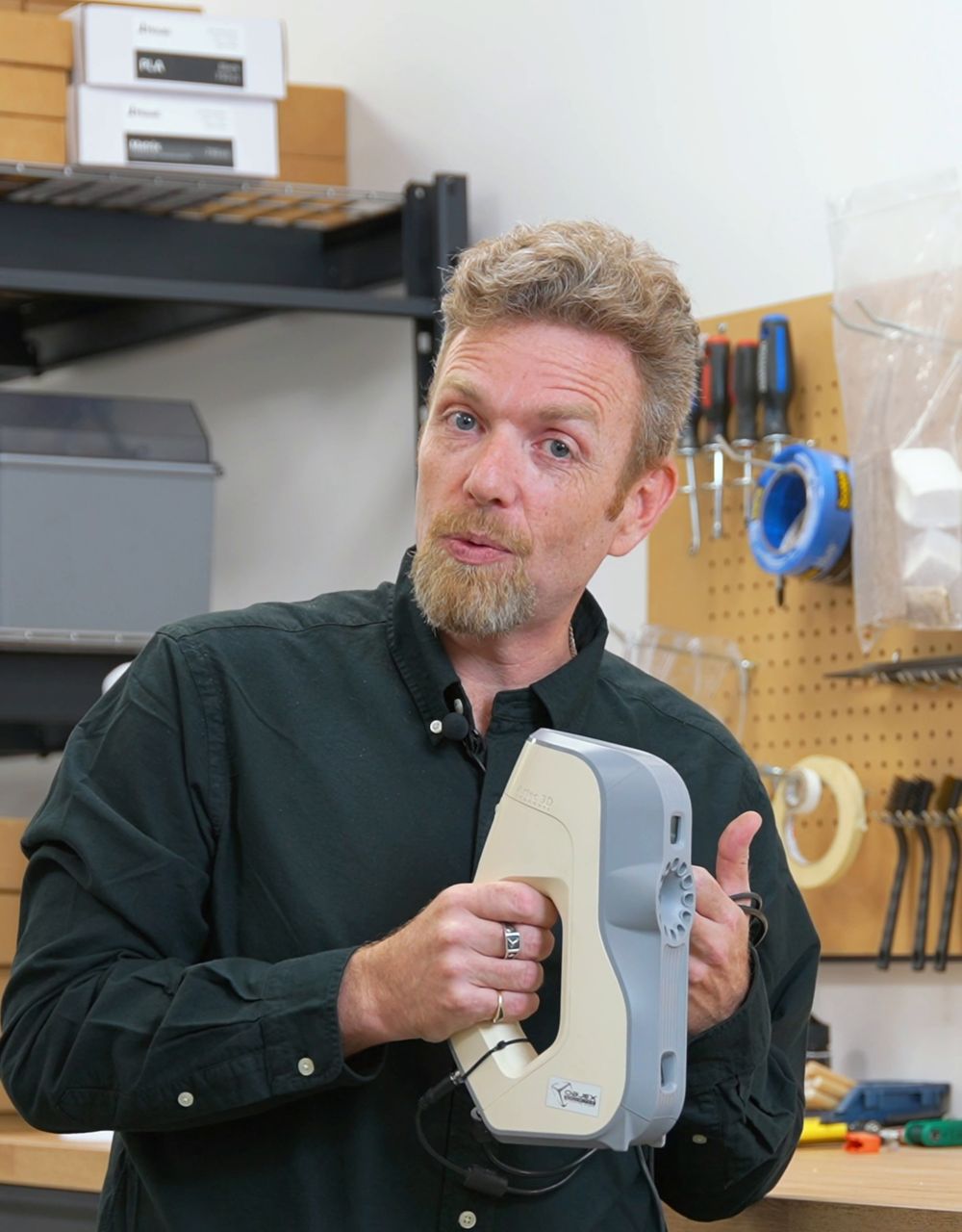
We bought our Artec Eva in 2013 and it still earns. Full colour, light, fast, and the least expensive route into real Artec quality — same Artec Studio, same file formats, same training, same phone number for support as the top of the range.
When we scan in the shop on our bench, Eva is our first choice. Up to 16 frames a second capture rate and you can see what you are scanning live on the screen.
Good for art and heritage, maquettes and creature design, product and scale models, and castings and housings with no drawing. No sprays or targets needed.
The rest of the range
Artec 3D Scanners
All available through us, all quoted in Canadian dollars with duty, brokerage and delivery in the number.
Specifications as published by the manufacturer. ScanScanScan3D is a Gold Certified Artec 3D Partner and an authorized Canadian reseller.
Better together
Most jobs are not one scanner
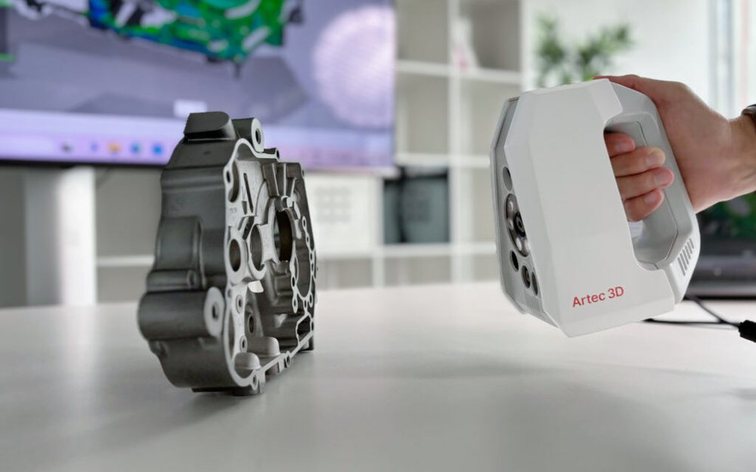
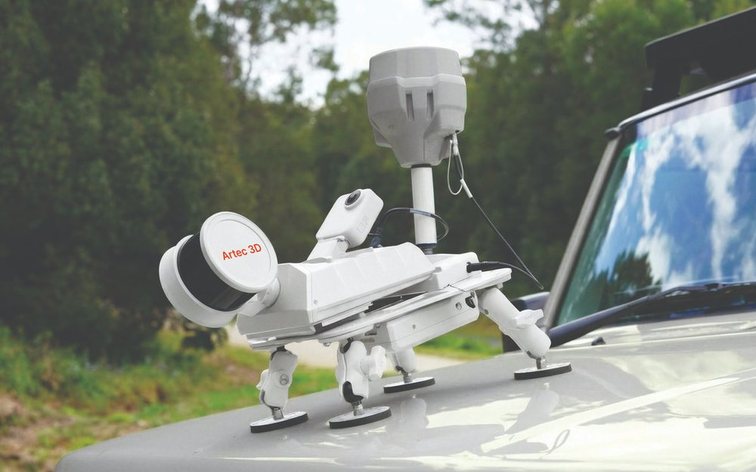
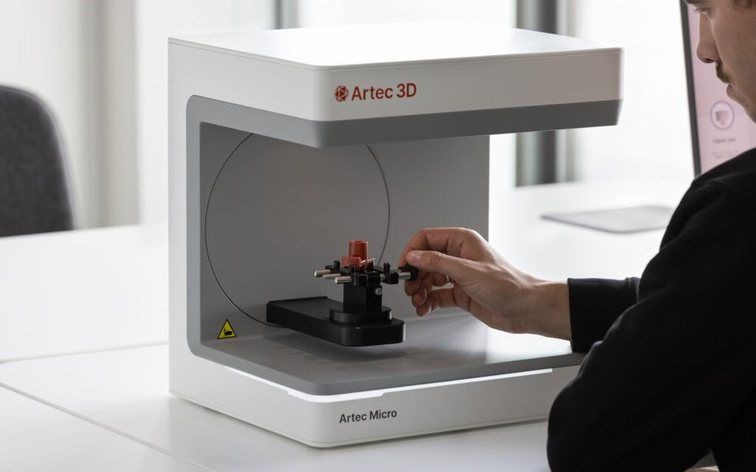
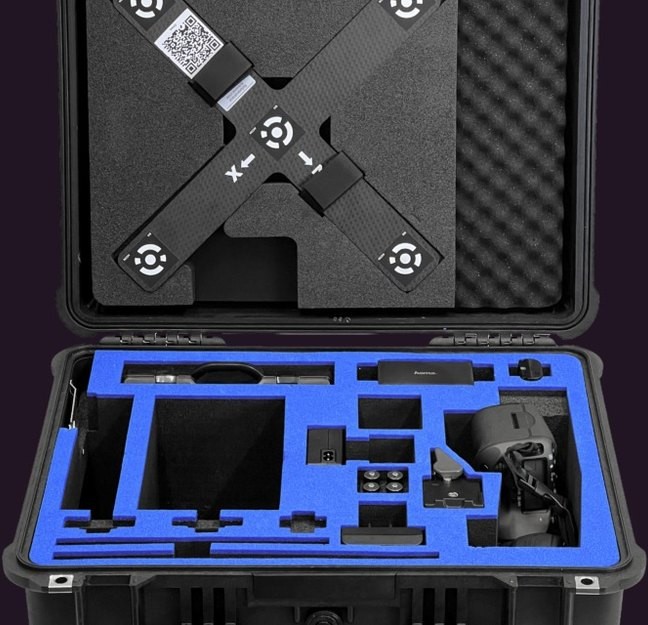
Cover the ground with a wide-field scanner, resolve the critical areas with a fine-detail one, and merge both in Artec Studio along with photographs, video and CAD data. Every scanner has a strong point — use each one for its strong point, then seamlessly align the scans together in Artec Studio. This helps for accuracy and also gives you the best possible meshes.
Not sure which one?
That is the normal starting point, and it is the conversation we would rather have than sell you the wrong machine. Tell us what you need to capture.